How to build your first web app without coding
Independent and hands-on tested. Some links to tools are affiliate links — they never change our verdict or ordering.
key takeaways
- →Vibe coding tools in 2026 are mature enough to ship real apps — not just toy demos.
- →Lovable, Bolt, and v0 all have free tiers. No credit card needed to test.
- →A good first prompt is specific: describe the screens, the data, and the user flow — not just the idea.
- →Build one feature at a time. Trying to generate a full SaaS in one prompt consistently fails.
- →Deployment is included in all three tools — you get a public URL without touching a server.
Two years ago, building a web app without coding knowledge meant spending weeks learning HTML, CSS, and JavaScript — or paying a developer thousands of dollars. Today, you describe what you want in plain English and get a working app in minutes. That is not a marketing claim. We built a todo app with user accounts and a real database in 47 minutes using Lovable, on the free tier, without writing a single line of code.
This guide covers what "vibe coding" actually means in 2026, which tool to pick for your first project, how to write a prompt that works, and the five mistakes that cause most first-timers to give up before they finish.
What is "vibe coding" — and why now?
Vibe coding is the practice of building software by describing what you want in natural language instead of writing code. The AI turns your description into working code, deploys it, and lets you keep refining with follow-up instructions. The term became mainstream in early 2025 after the underlying AI models (Claude 3.5, GPT-4o) became good enough to generate full-stack code that actually runs on the first try.
The older no-code tools — Bubble, Webflow, Glide — still exist and are still useful, but they require you to learn their own visual editor and logic systems. That is a real skill that takes days to pick up. The new AI builders need only plain English. The tradeoff is that you get less fine-grained control, but for a first project, that tradeoff is worth it every time.
before (2023)
- → Learn HTML, CSS, JavaScript (months)
- → Set up a server and database (hours)
- → Configure deployment (hours)
- → Write and debug every feature yourself
- → OR pay a developer $50–150/hr
now (2026)
- → Write a prompt in plain English
- → Review the generated app in browser
- → Iterate with follow-up instructions
- → Deploy with one click
- → Free tier covers your first version
Which tool should you use?
Three tools dominate the vibe coding space in 2026 for web apps: Lovable, Bolt, and v0. They look similar on the surface but serve different needs. Here is the honest breakdown.
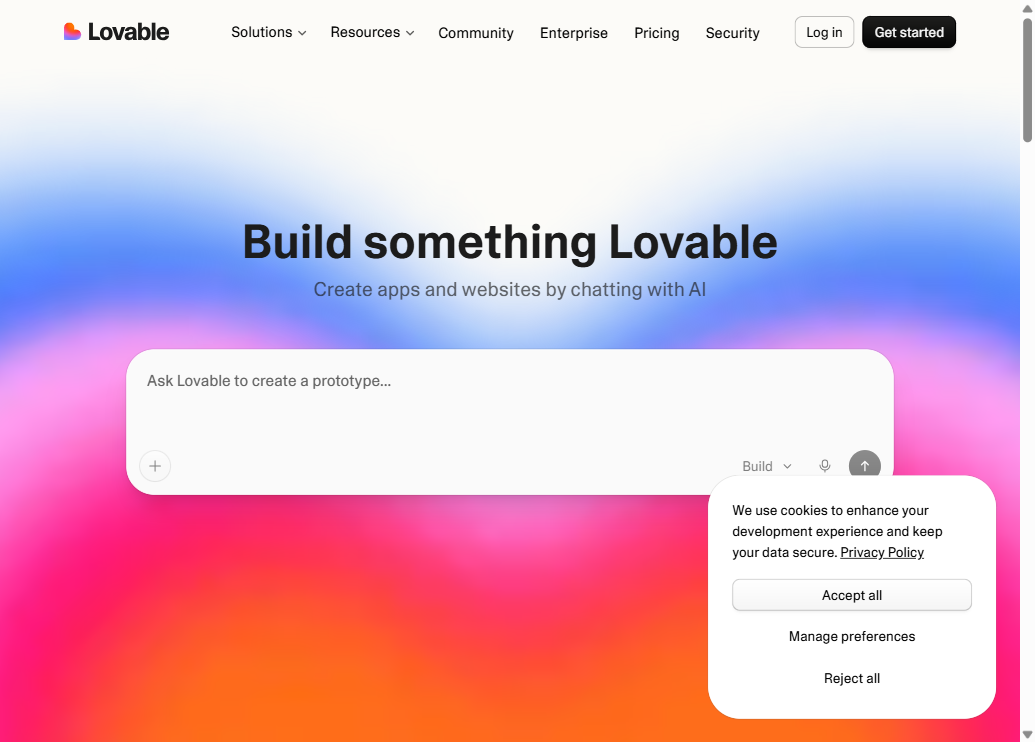
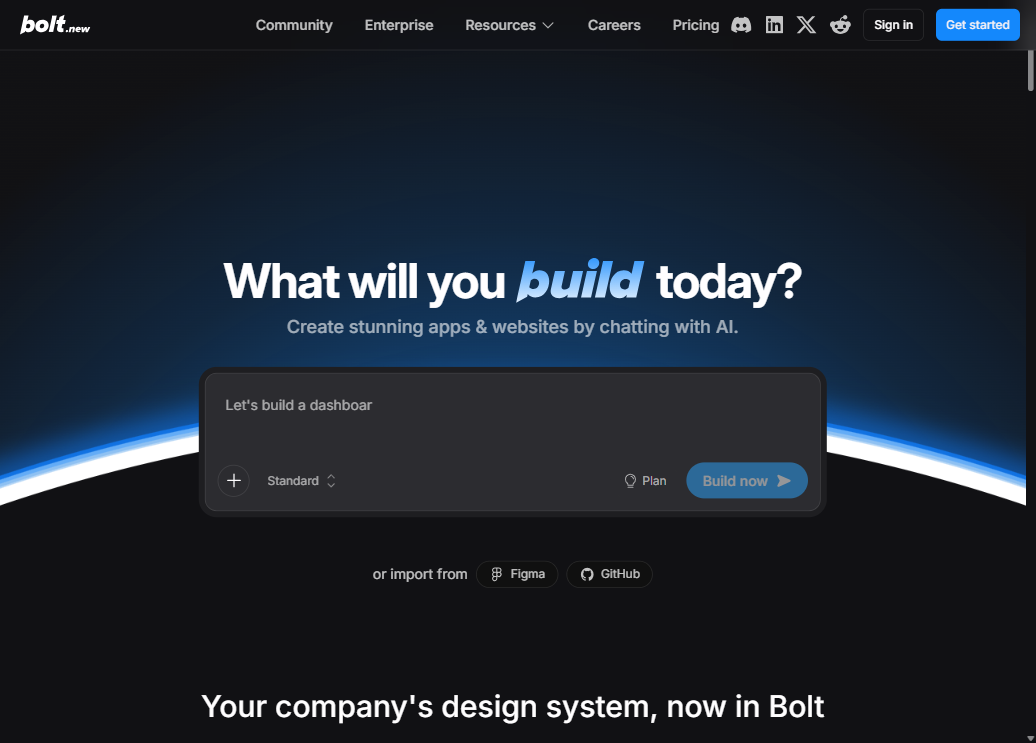
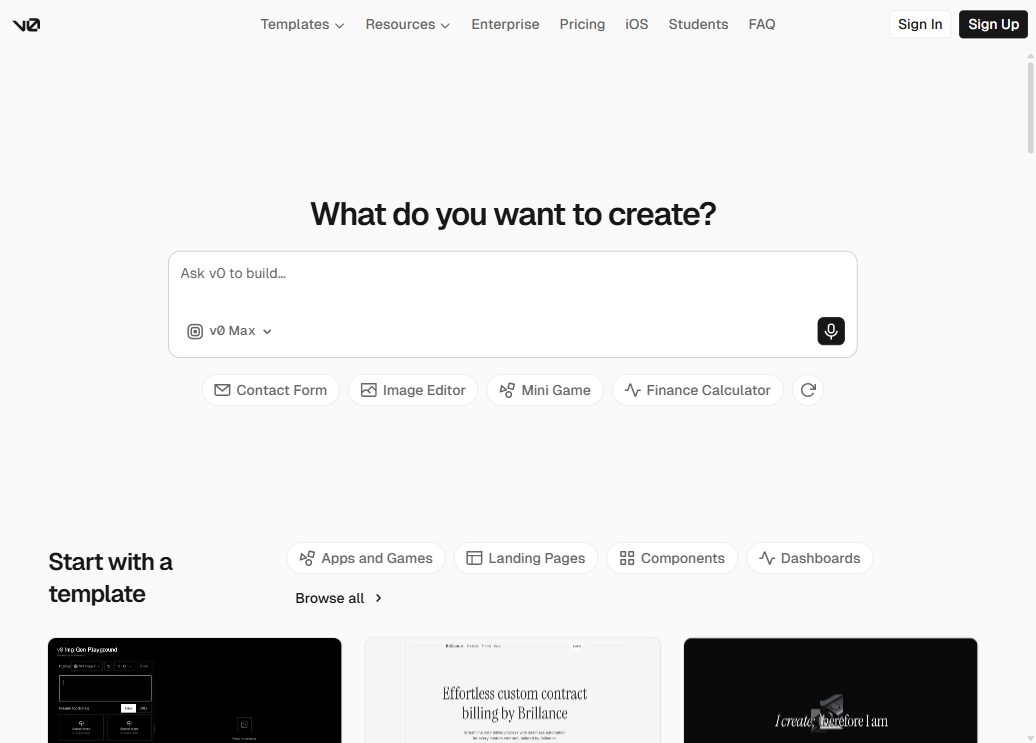
| Tool | Best for | Backend | Free tier | Paid from |
|---|---|---|---|---|
| Lovable | Full-stack apps with a database | Built-in (Supabase) | 5 projects | $25 / mo |
| Bolt | Fast prototypes, more code control | You configure it | Limited tokens / day | $20 / mo |
| v0 | UI components and frontend only | None built-in | Limited generations | $20 / mo |
Lovablebest for beginners
Lovable is the closest thing to "describe it and it exists." It handles the database (Supabase), user authentication, and deployment — all inside one interface. You never need to open a terminal or configure a server. The chat interface means you can say "make the button blue" and it changes it, or "add a way for users to delete tasks" and it writes the backend logic. If this is your first app, start here.
Boltbest for prototypes
Bolt generates apps faster and gives you access to the raw code in the browser. That is a feature if you are a developer who wants to export and keep going in your own editor, but it can feel overwhelming if you have never seen a React component. The free tier is more limited than Lovable's by number of AI tokens, so you will burn through it faster on complex prompts.
v0ui components only
v0 is excellent at generating beautiful UI — but it does not include a database or backend. If you describe a todo app, it will give you a working frontend with no actual data persistence. It is the right tool if you need a polished component to drop into an existing project, or if you want to prototype the look before building the real thing. For a first complete app, skip it and come back later.
Before you open any tool: the 15-minute plan
The most common reason first-time vibe coders get stuck is not the tool — it is starting without a clear picture of what they are building. AI builders amplify your intention. A vague prompt produces a vague app. A specific prompt produces something you can actually use.
Before you open Lovable or Bolt, answer these three questions in writing:
1. What is the one thing this app does?
Bad: "A productivity app." Good: "Users can add tasks with a title and due date, check them off, and see a list of what is done and what is still pending."
2. Who uses it and what do they do first?
Bad: "Anyone." Good: "A person opens the app, signs in with email, sees their task list, and adds a new task."
3. What do you NOT need in the first version?
Cut features you will not use in week one. No sharing, no teams, no mobile app, no notifications — unless that is the whole point. You can add them later.
Step-by-step: building a Todo app with Lovable
We will walk through building a simple but real Todo app — with user sign-in and data that persists between sessions. This is the exact process we used, including the prompts.
Create a free Lovable account
Go to lovable.devand sign up with your Google account or email. The free plan lets you create projects without entering a credit card. Once you are in, click New Project.
Write your first prompt
This is the most important step. Do not write "make me a todo app." Write this instead:
That prompt covers: authentication, data model, user flow, two UI states, and design preference — all in five sentences. Lovable will generate the full app from this.
Review and refine
Lovable will show you a preview of the app on the right side while it builds. Once it is done, click around in the preview. If something looks wrong or is missing, just type a follow-up in the chat. You do not need to re-explain the whole app — only describe the change:
- →"Move the delete button to the right side of each task."
- →"Add a counter at the top that shows how many active tasks remain."
- →"Change the background color to match our site's dark theme."
Each follow-up generates a new version. You can undo if it goes in the wrong direction.
Enable the database
Because our prompt asked for persistent tasks, Lovable will prompt you to connect Supabase (the database it uses). Click Connect Supabase and follow the two-step flow — it creates a free database in your name automatically. This is the only configuration step and it takes about 90 seconds. After this, tasks actually save between sessions.
Publish and share
When you are happy with the result, click Publish in the top right corner. Lovable will give you a public URL like yourapp.lovable.app. Anyone with the link can open it, sign up, and use it. You can share this immediately. Later you can connect a custom domain if you have one.
5 mistakes that kill most first projects
We have watched enough first-time vibe coding sessions to know where things go wrong. These are the patterns that cause people to give up before they have anything worth sharing.
01 Trying to build the whole product in one prompt
"Build me a SaaS with user accounts, payments, a dashboard, email notifications, a mobile app, and an API." This will produce something that half-works in ten different ways. Start with one screen that does one thing correctly, then add features one at a time.
02 Starting with design instead of function
It is tempting to spend your first prompts getting the colors and fonts exactly right. But if the core feature does not work, beautiful styling does not help. Get the data flow working first — adding tasks, saving them, marking them done — then fix the visual design afterward.
03 Giving up after the first error
AI-generated apps break. That is not a sign that the tool does not work — it is part of the process. When something breaks, copy the exact error message into the chat and say "fix this." The AI can usually resolve its own bugs in one or two attempts.
04 Using vague feedback prompts
"Make it look better" produces random changes. "Increase the font size of the task title to 18px, add more padding between tasks, and remove the border on the input field" produces exactly what you want. The more specific you are, the less you need to iterate.
05 Not testing with real data early
Open your app and actually use it as a real user. Create an account. Add five tasks. Check them off. Log out and log back in. See if your data is still there. Most problems reveal themselves in the first two minutes of real use — and they are much easier to fix early.
What will it actually cost?
All three tools have free tiers that are genuinely usable for a first project — not hobbled trials. Here is what you get before paying anything.
Lovable
Free
5 projects on free tier
Then $25 / mo for more
Bolt
Free
Limited tokens / day on free tier
Then $20 / mo for more
v0
Free
Limited generations on free tier
Then $20 / mo for more
The free tiers are capped by the number of AI interactions (tokens or credits), not by time. For a first project you will almost certainly finish before hitting any limit. Paid plans make sense once you are building your second or third project and iterating heavily.
What to do after your first app
Once your first app is published and working, three paths open up depending on where you want to go.
- →Keep vibe coding: Move to more complex projects in Lovable or Bolt — add payments with Stripe, user roles, email notifications. All are possible without code.
- →Learn to read the code: Open the code view in Bolt and start reading what the AI wrote. You do not need to write it — but understanding it lets you catch mistakes and make more precise change requests.
- →Graduate to an AI code editor: If you find yourself wanting more control — connecting your own database, building a custom API, working on an existing codebase — tools likeCursor orClaude Codeare the next step up.
Frequently asked questions
Can I really build a web app without any coding knowledge?
Yes. Tools like Lovable and Bolt let you describe what you want in plain English and generate a working app. You will not need to write a single line of code to get a first version running. That said, the more clearly you can describe what you want, the better the result.
Which AI app builder is best for beginners?
Lovable is the most beginner-friendly as of 2026. It handles the database, authentication and deployment in one place, so you never have to configure a server. Bolt is a close second and gives more control. v0 is better for UI components than full apps.
How much does it cost to build a web app with AI?
All three tools — Bolt, Lovable and v0 — have free tiers you can use to build and test a first version. Paid plans start around $20–25 per month when you need more requests or want to publish without limits. For a first project, the free tier is more than enough.
What is vibe coding?
Vibe coding is the practice of building software by describing what you want in natural language instead of writing code manually. The term became popular in early 2025 after AI app builders matured enough that non-developers could ship real products. It is not a magic button — clear prompts and iteration still matter.
How long does it take to build a first web app?
With an AI builder like Lovable or Bolt, a simple app — a todo list, a landing page with a form, a basic dashboard — can be working in 30–60 minutes. More complex apps with user accounts, payments and multiple views take longer, but the AI handles the boilerplate that used to take days.
Do I need to deploy or host my app myself?
No. Lovable and Bolt both include built-in deployment. When your app is ready, you get a public URL in one click. You can later connect a custom domain if you want.
The bottom line
Building a web app without coding is real in 2026, not a gimmick. The tools are good enough that the bottleneck is no longer knowing how to code — it is knowing what to build and being clear about it. Start with Lovable if you want the most guided experience. Write a specific prompt. Build one feature at a time. Publish early and use it yourself.
The gap between "idea" and "working app" has never been smaller. The only thing left is to start.